

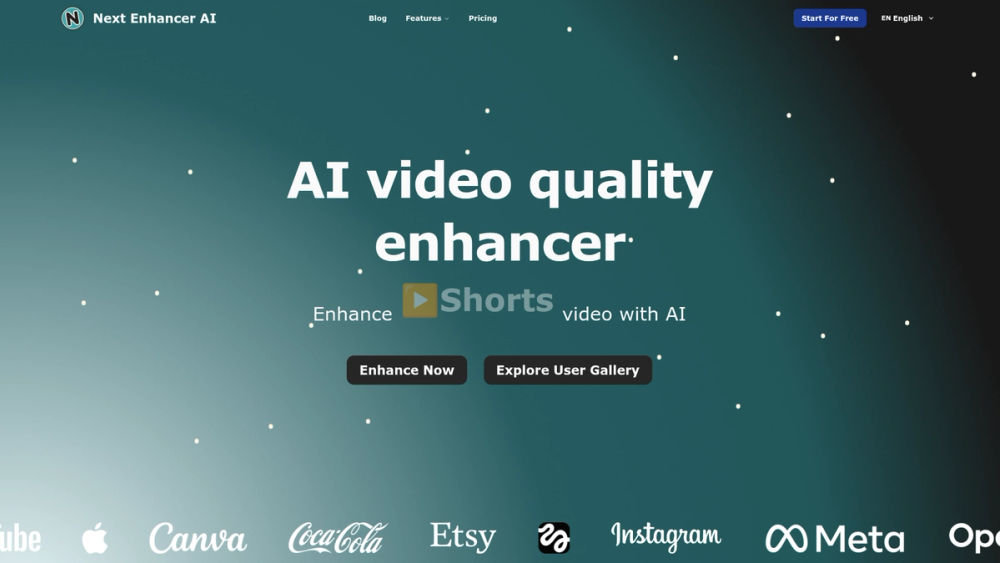
Next Enhancer AI
Next Enhancer AI is a browser-based, AI-driven video enhancement and upscaling service designed to convert low-quality or old footage into higher-resolution, visually improved HD and 4K videos.
Key Features
- One-click AI enhancement and upscaling to 1080p, 2K, 4K, or 8K.
- Multi-format input support: MP4, FLV, HLS, MXF, MOV, TS, WEBM, MKV.
- Drag-and-drop upload with in-browser controls and an output preview pane.
- File limits and technical constraints clearly surfaced: Max 500MB, Max 300 seconds, ≤60 FPS.
- Credit-based processing model (UI shows estimated credits required).
- Upscale history and gallery with before/after slider previews for examples and portfolio.
- No client software required — fully online processing.
Technical Notes
- Upscaling uses AI-based models (denoising, detail synthesis, and color restoration) to reconstruct higher-resolution frames and improve perceived sharpness.
- Supports multiple target resolutions and selects algorithmic trade-offs for speed vs. quality.
- Browser-side drag-and-drop with server-side processing for compute-heavy tasks.
- Designed to handle common video codecs and container formats; recommended to keep within upload limits for best throughput.
Typical Use Cases
- Restoring archival and home videos to HD/4K for preservation or re-release.
- Improving social media clips and vertical/portrait videos for modern platforms.
- Content creators repurposing legacy footage for monetized channels (YouTube, TikTok, Instagram).
- Marketers and agencies preparing higher-quality ads and product videos from older assets.
Target Users
- Hobbyists and home archivists restoring family or historical footage.
- Video editors and creators who need fast upscaling without local GPU resources.
- Marketing teams and social media managers seeking quick quality boosts for short clips.
Workflow Summary
- Upload or drag & drop a supported video (observe file and length limits).
- Choose target resolution (1080p / 2K / 4K / 8K).
- Submit for AI enhancement (system estimates required credits).
- Review upscaled output in the Upscaled Video pane and download the enhanced file.
Unique Selling Points
- Fast, no-install web experience focused specifically on video upscaling and quality restoration.
- Clear limitations and UI cues (credits, formats, file size) that streamline user expectations.
- Visual gallery and before/after slider to demonstrate results and drive trust.
Practical Considerations
- Large or very long videos may require splitting or pre-processing to meet upload limits.
- Some artifacts may persist depending on source quality; AI models synthesize plausible detail but cannot perfectly recreate lost information.
- Consider iterative runs or lower target frame rates for extremely noisy sources to balance speed and quality.


